
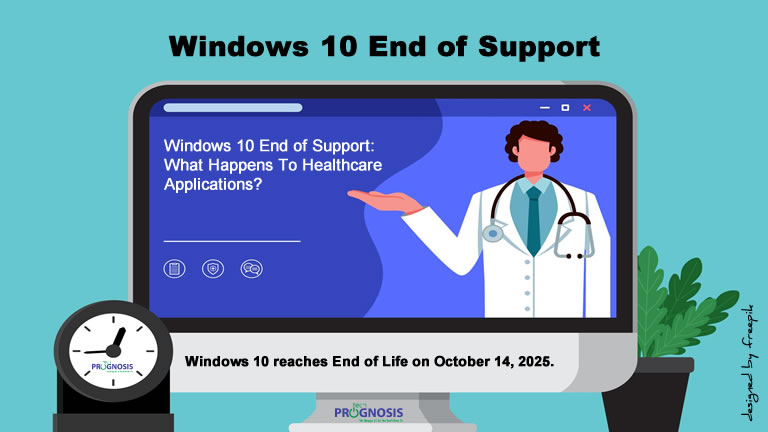
What Happens to Healthcare Applications After Windows 10 End of Support?
A Cybersecurity Expert’s Guide for Clinics, Practices, and Health Systems
📅 October 14, 2025 is more than just a date on the calendar. It’s when Windows 10 reaches end of life, and with that, your healthcare IT environment could be at serious risk.
Whether you’re a small practice using EHR software on a few desktops or a larger provider with integrated patient care systems, the end of Windows 10 support could expose your patients’ data, impact compliance with HIPAA, and disrupt care delivery.
If you’re still using Windows 10 after the cutoff date, it’s not just your operating system that will be at risk – your critical healthcare applications could be affected too. Let’s break down what you need to know.
🚨 No More Security Updates = HIPAA Nightmares
Once Windows 10 support ends, there will be no more security patches. This means any vulnerabilities discovered after October 14, 2025, will remain unpatched, leaving your applications exposed to cyber threats. That’s a red flag in the world of protected health information (PHI).
What This Means for Healthcare:
-
Greater Risk of Ransomware Attacks
Unpatched systems are magnets for cybercriminals.
👉 Example: A community clinic still running Windows 10 could suffer a ransomware attack that halts patient appointments and delays prescriptions. -
HIPAA Compliance Violations
The HIPAA Security Rule requires covered entities to ensure systems are secure. Unsupported operating systems = non-compliance.
👉 A hospital group caught storing PHI on unsupported systems risks severe penalties and reputational damage. -
Disruption to Clinical Operations
Downtime caused by security breaches or app failures can directly impact patient care—missed diagnoses, delayed test results, or unavailable records. - No More Technical Support
It’s not just Microsoft ending support – third-party software vendors will follow suit. As Windows 10 becomes outdated, you’ll notice:- No More Technical Support: Software vendors will stop providing customer support for their products running on Windows 10.
-
- Lack Of Integration With New Tools: Modern tools and applications will be optimized for Windows 11 and beyond, leading to compatibility issues and reduced productivity.
-
- Limited Hardware Compatibility: New peripherals and hardware may not have drivers compatible with Windows 10, limiting your ability to upgrade or expand your setup.
💻 Software Compatibility = EHR Instability
Healthcare applications—especially EHRs, lab systems, and billing platforms—need to be updated frequently. Vendors will stop testing and supporting them on Windows 10.
The Risks Include:
-
Unstable or Nonfunctional EHR Systems
Features may disappear, and integrations could break.
👉 A practice using an older imaging system may find that it no longer syncs with their records platform. -
Missed Security Fixes
Security updates to your healthcare applications may require OS features only present in Windows 11. -
Loss of Support from EHR Vendors
Expect support teams to decline assistance if your system runs on Windows 10 after support ends.
Performance And Productivity Will Suffer
Outdated systems can’t keep up with modern demands. As more advanced applications are developed, they require updated operating systems to run efficiently.
The Impact On Your Business:
- Slow Performance: Applications may run slower on outdated operating systems, affecting employee productivity.
- Increased Downtime: More frequent crashes and glitches lead to costly downtime.
- Maintenance Costs: Keeping legacy systems functional can require more IT resources and expenses, cutting into your bottom line.
🛡️ What Healthcare Organizations Should Do Now Before Windows 10 End of Support
-
Backup PHI and Patient Records securely with HIPAA-compliant solutions.
-
Upgrade to Windows 11 on compatible machines, or plan for hardware refreshes.
- Check Compatibility: Not all devices will support Windows 11. You can use Microsoft’s PC Health Check tool to confirm.
-
Work with a healthcare IT security provider to ensure end-to-end compliance and security throughout the transition.
💬 Call to Action
Stay ahead of threats. Book a FREE Healthcare IT Risk Assessment today to uncover your risks and build a secure path to Windows 11.
📚 References:
-
Microsoft (2023): Windows 10 End of Support FAQ
-
U.S. Department of Health & Human Services: HIPAA Security Rule
-
Center for Internet Security. (2024). CIS Controls v8
