DaaS can assist in providing an end-to-end solutions, including hardware, peripherals, and managed services to simplify and reduce overall IT costs.
When we think of work and the devices we use for work, many of us will readily mention a desktop computer, or a laptop and move on. Not too long ago, the “corporate” way of doing work was to rely on a particular device, say a desktop computer device that had enough ‘power user’ specifications, to ensure productivity. Laptops were not the main stay of any ‘serious worker’ since they were under powered and super expensive to warrant purchasing it for business use.
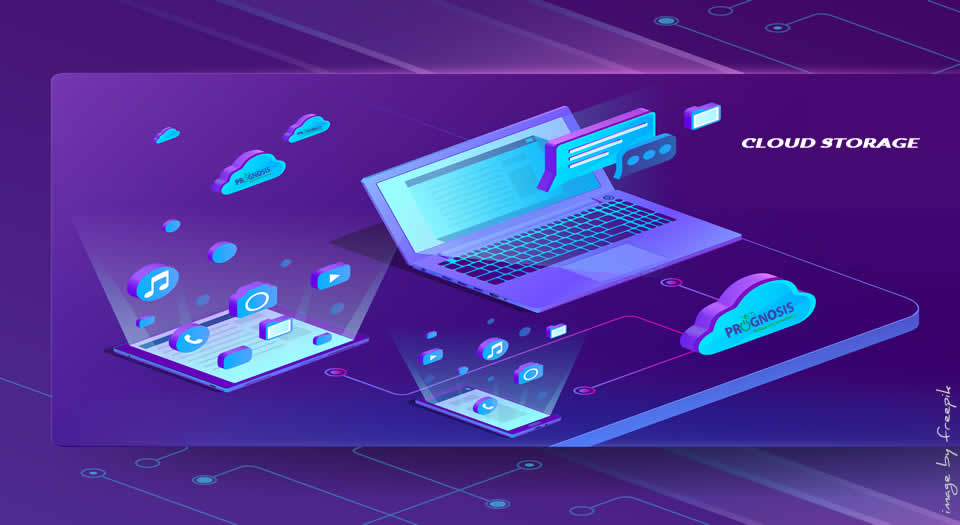
Today, thanks to cloud services like Amazon’s AWS, Google’s G Suite of productivity apps, Microsoft’s Office 365 and Azure, and the availability and stability of high-speed internet access, it is now possible to offload much of the work that needed powerful computers to the cloud.
That means that no matter which device we use, we are now able to transition work between devices and have the confidence that everything will be in-sync. In addition, it is also now possible for less powerful devices (like a Chromebook, for example) to become much more capable by tapping into file systems hosted in the cloud.
However, according to Forrester Research, about 74 percent of information workers use two or more devices for work — and 52 percent use three or more! To top it off, it is estimated that about 14 percent of employees use six or more corporate-issued or approved tech devices.
These devices include what Brian Hughes calls “the battlewagon” – company laptop, workstation/desktop computer, company provisioned mobile phone, Voice-over-IP (VoIP) desk phone, personal mobile phone, and a couple of tablet computers of varying sizes and use-cases.