
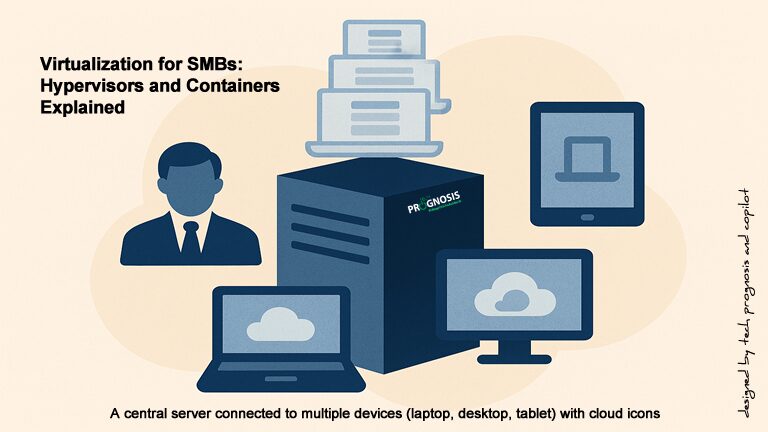
How Small Businesses Can Use Virtualization in 2026
Virtualization has moved from “promising” to practical and pervasive. In 2009, running six servers on 8 GB of RAM felt remarkable. Today, consolidation, hybrid cloud, containerization, and Desktop‑as‑a‑Service (DaaS) make modern small‑business IT more scalable, secure, and cost‑aware than ever. This guide shows how to choose—and succeed with—the right mix of virtual machines (VMs), containers, and cloud desktops for your business.
1) What “Virtualization” Means Today
Virtual machines (VMs) still anchor most business workloads. A hypervisor (like Hyper‑V, KVM, or VMware by Broadcom’s vSphere) runs multiple guest operating systems on one physical host, isolating workloads while boosting utilization. Linux’s KVM is built into the kernel, delivering near‑native performance for many workloads and supporting both x86 and Arm hosts. [kernel.org]

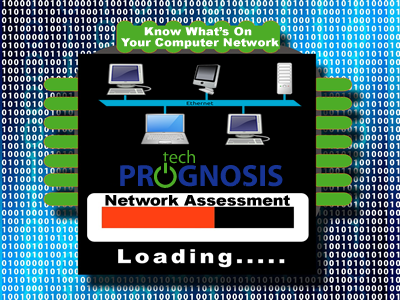 Do You Know Your Computer Network? The often overlooked and sometimes taken for granted software and hardware that make things happen daily for your business or organization. The computers and laptops, servers and switches, firewalls, the power strip etc. How much of your computer network environment do you actually know?
 If you recently ran into a strange Quick Books error, specifically Error Code 3371 “Quickbooks could not load license data. This may be caused by a missing or damaged file.”, with a status code of 11118, you are not alone. And it looks like this headache has been plaguing the users of the accounting software for several years.
 “Does not Dionysius seem to have made it sufficiently clear that there can be nothing happy for the person over whom some fear always looms?” – Cicero