
The Future of Work is Here: How Modern Desktop Virtualization Empowers Your Team (and Your Bottom Line)
Imagine this: Your manufacturing team needs to access critical CAD software from the shop floor, the home office, and a client site—all in the same week. Or your accounting firm just onboarded five seasonal auditors who need secure access to sensitive financial data without waiting weeks for new laptops. Sound familiar? Modern desktop virtualization can empower your team (and your bottom line).
Desktop virtualization makes these scenarios not just possible, but simple. And the best part? It’s no longer reserved for enterprise giants with massive IT budgets. Today’s solutions are designed with small and mid-sized businesses in mind.
Let’s explore how modern desktop virtualization can transform the way your organization works—without the tech headaches.
What Is Desktop Virtualization, Anyway?
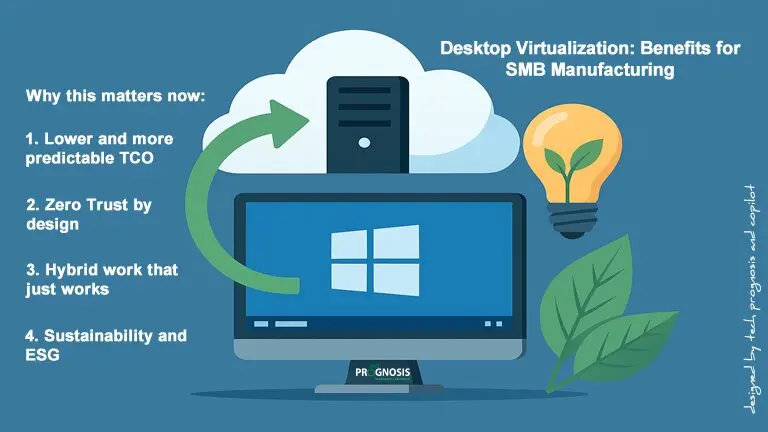
Think of desktop virtualization as running your computer “in the cloud” instead of on a physical machine sitting under your desk. Your team members can access their familiar Windows desktop, applications, and files from almost any device—whether that’s a laptop at home, a tablet on a job site, or a thin client terminal on the manufacturing floor.


 This is the Internet Age. Broadband and high-speed connections in the small to midsize business environment is now the norm as opposed to the exception it was a few years ago. What does that mean for the small and midsize business owner? Huge cost savings for one, in the area of communication. With the many offerings available today, it is not uncommon for businesses to reduce telephone costs by as much as eighty (80) percent. Here’s the rundown.
 Apple has thrown its hat into the cloud “gold rush” ring and all of a sudden, we have started hearing the old but boring cries of the death of Windows. A lot of noise is being made about Steve Jobs’ statement that “We’re going to demote the PC and the Mac to just be a device – just like an iPad, an iPhone or an iPod Touch. We’re going to move the hub of your digital life to the cloud”
 We’ve all been subjected to it: ” Install our software or hardware and use it for 30-60 days and if you do not like it, simply remove it and you will get your money back, no questions asked”. Well, there-in lies the problem – that no questions are being asked.