FAR 52.204-21 Explained: What Actually Counts as FCI

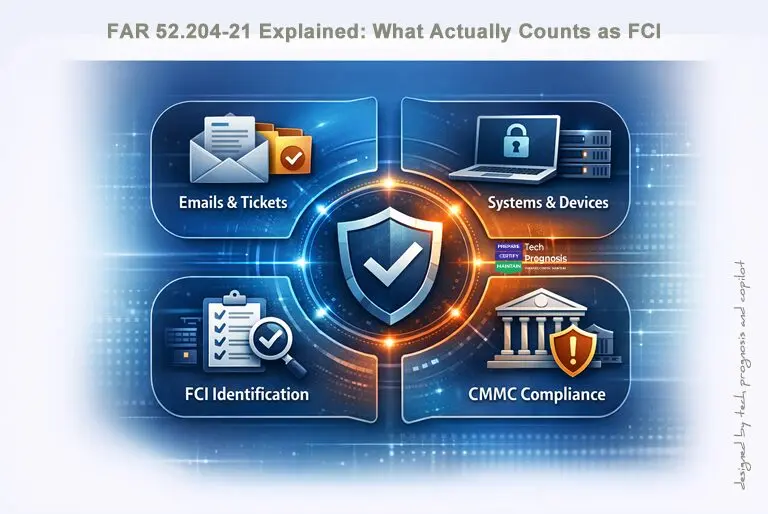
A cybersecurity themed infographic showing four labeled panels—Emails & Tickets, Systems & Devices, FCI Identification, and CMMC Compliance—surrounding a central shield icon representing protection under FAR 52.204 21.

FAR 52.204‑21 Explained: What Actually Counts as FCI (With Real Contractor Examples)

If you’ve ever thought “we don’t have Controlled Unclassified Information (CUI), so we’re off the hook,” this article is for you. FAR 52.204‑21 sets baseline safeguards for contractor systems that process Federal Contract Information (FCI)—and FCI shows up in more places than you might expect. [acquisition.gov]

Why contractors keep misclassifying FCI

The most common mistake we see: teams assume that if CUI isn’t in scope, no cyber obligations apply. But FCI alone triggers the Basic Safeguarding of Covered Contractor Information Systems clause—FAR 52.204‑21—whenever your systems process, store, or transmit it.

Bottom line: If FCI touches your email, ticketing, endpoints, file shares, or cloud tools, those systems inherit baseline safeguarding requirements.

Read more

Share

CUI vs. FCI: What Every DoD Contractor Must Get Right Before Chasing CMMC

Minimalist illustration showing CUI vs FCI folders, a balanced scale labeled Level 1 and Level 2, and CMMC compliance icons referencing FAR 52.204 21 and DFARS 7012.

Why this article on CUI vs. FCI matters

If you’re a prime, a sub, or an overwhelmed SMB in the Defense Industrial Base (DIB), your CMMC journey starts with one decision: What data are we protecting – Federal Contract Information (FCI), Controlled Unclassified Information (CUI), or both? Get this wrong and everything downstream – scope, controls, budget, tools, even your chances at award – will be off. The good news: you can make this call with clear, objective criteria grounded in FAR 52.204‑21 (FCI) and 32 CFR Part 2002 (CUI), along with DoD and NIST guidance.


Quick CUI vs. FCI definitions (plain English)

  • FCI (Federal Contract Information)
    Information not intended for public release that the Government provides to you or that you generate under a Federal contract to deliver a product or service. If it’s on a public website or simple payment data, it’s not FCI. Think SOWs, deliverable drafts, CO emails, project plans. FCI invokes FAR 52.204‑21 and its 15 basic safeguards.
  • CUI (Controlled Unclassified Information)
    Unclassified information that Federal law/regulation/policy requires or permits safeguarding or limited dissemination. It is created or possessed by the Government, or by you for/on behalf of the Government. CUI is standardized under the government‑wide CUI Program and cataloged in the CUI Registry; DoD also maintains a DoD‑specific registry. In DoD contracts, CUI generally triggers DFARS 252.204‑7012 and NIST SP 800‑171 implementation.

Practical rule of thumb: If it’s just contract‑related but not public, it’s probably FCI. If a law/regulation/policy says it needs protection (e.g., export control, Controlled Technical Information (CTI), Personally Identifiable Information (PII) tied to a DoD purpose), it’s CUI – check the registry category and your contract.

Read more

Share

CMMC Certification in Texas: 2026 Compliance Guide for DoD Contractors

Minimalist illustration representing CMMC cybersecurity for Texas DoD contractors, featuring a CMMC shield with a lock over a Texas outline, simplified defense icons, and U.S. and Texas flags

CMMC Certification for Texas DoD Contractors: The 2026 Comprehensive Guide

Defense contractors in Texas face a rapidly changing compliance landscape as the Department of Defense (DoD) fully implements the Cybersecurity Maturity Model Certification (CMMC) 2.0 program. With the final CMMC rule published on September 10, 2025, and enforcement already underway across new DoD solicitations, organizations that process Federal Contract Information (FCI) or Controlled Unclassified Information (CUI) must act quickly and decisively to ensure eligibility for future defense contracts.
[business.defense.gov]

This updated guide breaks down what CMMC is, what has changed, why Texas defense contractors must take action now, and how to prepare strategically.

What Is CMMC?

The Cybersecurity Maturity Model Certification (CMMC) is the DoD’s unified cybersecurity standard designed to ensure that all contractors within the Defense Industrial Base (DIB) implement adequate safeguards to protect sensitive information. The standard integrates requirements from:

  • FAR 52.204‑21 (for handling FCI)
  • NIST SP 800‑171 Rev. 2 (for protecting CUI)
  • NIST SP 800‑172 (for advanced protection required under Level 3)

CMMC was created in response to persistent compromises of defense information across contractor systems.

Read more

Share

COTS in the CMMC Ecosystem: Where Contractors Get Burned

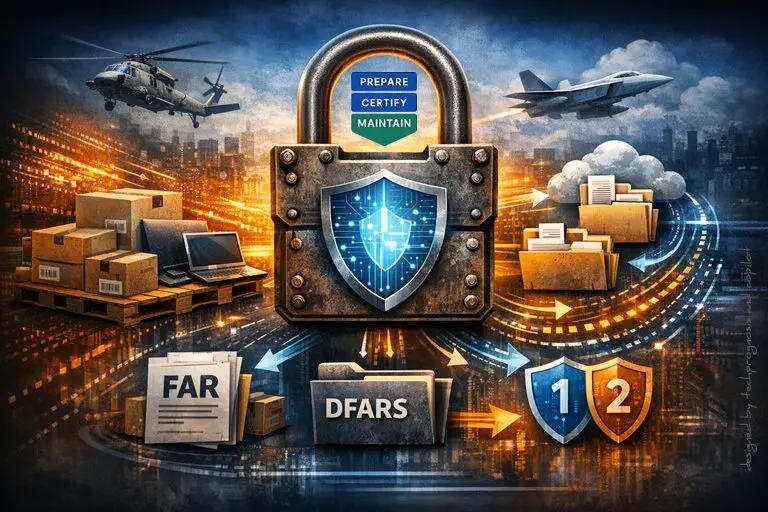
A large central padlock with a digital shield symbol, surrounded by military aircraft, cloud folders, shipping boxes, and FAR/DFARS compliance icons illustrating how COTS items, when paired with services or data handling, can quickly trigger FAR 52.204 21, DFARS 252.204 7012, and the associated CMMC and cybersecurity requirements in the defense supply chain.”

COTS in the CMMC Ecosystem: What’s In, What’s Out, and Where Contractors Get Burned

Why this topic matters

“COTS is exempt” gets repeated so often that many teams rely on it as a blanket pass. It isn’t. In DoD contracting, COTS has a precise definition in FAR 2.101, and certain DFARS cybersecurity clauses don’t apply to contracts solely for COTS—but mislabeling work or overlooking how data actually flows can still drag you under CMMC and DFARS obligations. Understanding where COTS really fits prevents over‑scoping (wasted spend) and under‑scoping (eligibility and FCA risk).

1) What “COTS” means (and what it doesn’t)

COTS (Commercially Available Off‑The‑Shelf) is a very specific status under federal acquisition rules—a commercial item sold in substantial quantities in the commercial marketplace and offered to the Government without modification, among other detailed conditions in FAR 2.101. If something is tweaked, custom‑configured, government‑unique, or bundled with non‑commercial services, it may stop being COTS. Many “we thought it was COTS” arguments fall apart when you check the definition.

Why it matters for cyber:

  • FAR 52.204‑21 (the Safeguarding Rule) applies when FCI is processed, stored, or transmitted—and is flowed down when subs may have FCI (except for pure COTS scenarios).
  • DFARS 252.204‑7012 (CUI/CDI clause) does not apply to contracts solely for COTS items, but if any performance involves CUI, 7012 comes back into play—including 72‑hour incident reporting and FedRAMP Moderate‑equivalent clouds. Misclassify work as COTS when CUI is present, and you’re out of compliance.

Read more

Share

Self‑Attestation vs. Validation: Why CMMC 2.0 Exists

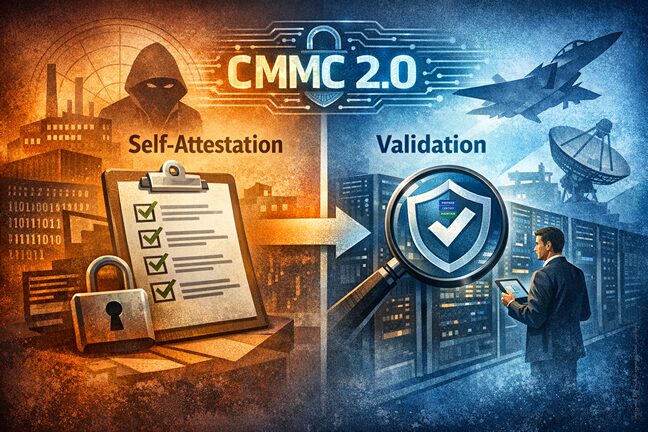
The contrast between self attestation (checklist, minimal assurance) and validation (formal inspection, cybersecurity hardening).

Self‑Attestation vs. Validation: Why CMMC 2.0 Exists — And What It Means for Today’s Defense Contractors

For years, the Defense Industrial Base (DIB) ran on trust. Contractors handling Federal Contract Information (FCI) or Controlled Unclassified Information (CUI) would self‑attest that they followed required cybersecurity practices. But as nation‑states and criminal groups shifted tactics, that honor‑system model showed cracks—particularly among smaller, sub‑tier suppliers where much of the sensitive technical work happens. The Department of Defense (DoD) created the Cybersecurity Maturity Model Certification (CMMC) 2.0 to close the gap between “what we think we’re doing” and “what’s actually implemented.” CMMC formalizes validation—in some cases via third‑party assessors—so the DoD can verify protections before and during contract performance.

The program sits on two pillars:

  • Policy (32 CFR Part 170): establishes CMMC as the program of record (effective Dec. 16, 2024).
  • Contracting (DFARS amendments): phases CMMC requirements into solicitations and awards starting Nov. 10, 2025, with a multi‑year rollout.

Meanwhile, NIST SP 800‑171 Rev. 3 (May 2024) updated the underlying security requirements for protecting CUI, emphasizing clearer, more specific controls and the use of assessment procedures in 800‑171A.

In this article, I’m your plain‑language guide and advocate. My goal is to:

  • Demystify self‑attestation vs. validation, without jargon.
  • Encourage small and mid‑sized businesses: compliance is achievable—step by step.
  • Clarify how CMMC 2.0 actually works, who needs what, and when.
  • Guide you to a practical next step (a complimentary 15‑minute discovery call).

Read more

Share

Desktop Virtualization: Benefits for SMB Manufacturing

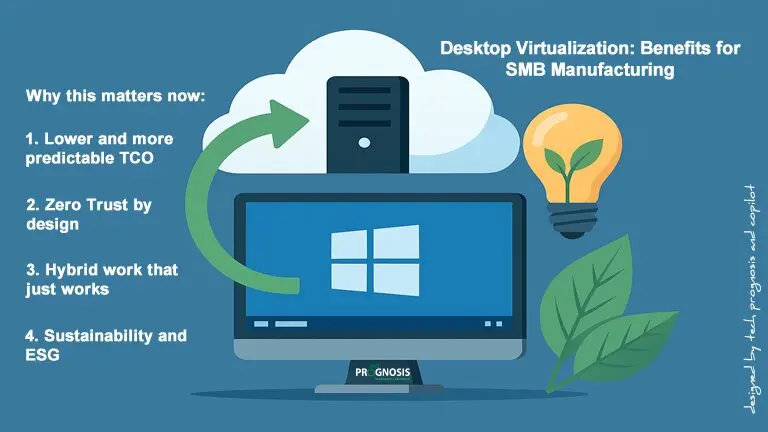
Illustration of desktop virtualization concept showing a computer screen with Windows logo, cloud server, green arrow, light bulb, and leaves symbolizing sustainability.

The Future of Work is Here: How Modern Desktop Virtualization Empowers Your Team (and Your Bottom Line)

Imagine this: Your manufacturing team needs to access critical CAD software from the shop floor, the home office, and a client site—all in the same week. Or your accounting firm just onboarded five seasonal auditors who need secure access to sensitive financial data without waiting weeks for new laptops. Sound familiar? Modern desktop virtualization can empower your team (and your bottom line).

Desktop virtualization makes these scenarios not just possible, but simple. And the best part? It’s no longer reserved for enterprise giants with massive IT budgets. Today’s solutions are designed with small and mid-sized businesses in mind.

Let’s explore how modern desktop virtualization can transform the way your organization works—without the tech headaches.


What Is Desktop Virtualization, Anyway?

Think of desktop virtualization as running your computer “in the cloud” instead of on a physical machine sitting under your desk. Your team members can access their familiar Windows desktop, applications, and files from almost any device—whether that’s a laptop at home, a tablet on a job site, or a thin client terminal on the manufacturing floor.

Read more

Share
Share
Share